

Is Your Business Visible in AI Search?

Get found in Google AI Overviews, ChatGPT & Gemini

How do I install WordPress on my website?

Ready to grow your business online?

Get a free proposal from our Redditch-based web design and SEO team.

Blue Rock Digital - Digital Marketing Company in Redditch

Installing WordPress on your website takes around five minutes using the one-click installer provided by most hosting providers. If you need to install it manually, the process is slightly longer but still straightforward.

This guide covers how to install WordPress on your website using both automatic and manual methods. Once installed, the first steps with WordPress guide will help you get started.

Getting Started with WordPress: A Guide to Installing the Popular CMS on Your Website

WordPress is a popular content management system that allows you to easily create and manage a website. In this article, we’ll walk you through the process of installing WordPress on your website.

Requirements

Before you start the installation process, make sure you have the following:

  • A domain name and hosting account: You need a place to host your website, and a domain name to access it.
  • FTP access to your hosting account: This will allow you to upload the WordPress files to your server.
  • A text editor: This will allow you to edit the WordPress configuration file if necessary.

Method 1: Automatic WordPress Installation

Most web hosting companies offer an automatic WordPress installation as part of their services. This is the easiest and quickest way to install WordPress, as it does not require any technical skills. Simply follow these steps:

  1. Log in to your hosting account’s control panel.
  2. Look for the “WordPress” or “Website” section and select “Install.
  3. Choose the domain where you want to install WordPress.
  4. Fill out the required information, such as the site title and admin login details.
  5. Click “Install” and wait for the process to complete.

Method 2: Manual WordPress Installation

If your web hosting company does not offer automatic WordPress installation, you can install it manually. Here’s how:

  1. Download the latest version of WordPress from the official website (https://wordpress.org/).
  2. Extract the WordPress files to your computer.
  3. Connect to your server using an FTP client, such as FileZilla.
  4. Upload the WordPress files to your server’s public_html directory.
  5. Create a new database for WordPress using your hosting account’s control panel.
  6. Open your browser and go to http://yourdomain.com/wp-admin/install.php (replace “yourdomain.com” with your actual domain name).
  7. Fill out the required information, such as the database name, username, and password.
  8. Click “Submit” and wait for the installation process to complete.

Conclusion

Installing WordPress on your website is a straightforward process that can be done either automatically or manually. Choose the method that best suits your skills and comfort level, and you’ll be able to start creating and managing your website in no time.

Our website maintenance service takes care of everything after installation — updates, security, backups, and performance. For the next steps once WordPress is installed, read our guide on what WordPress is and how it works, and for creating your first site see our guide on how to create a website using WordPress. Once WordPress is running, you will want to install and configure your plugins and choose the right theme for your site.


Written by: Sean O'Donoghue
Author picture

Sean O'Donoghue is the founder of Blue Rock Digital, a web design, SEO, and GEO agency based in Redditch, Worcestershire. With over 17 years of experience helping UK businesses grow online, Sean works directly with every client on web design, search engine optimisation, and AI search visibility. He is the first point of contact for every new client and remains closely involved throughout every project.

Ready to grow your business online?

Get a free proposal from our Redditch-based web design and SEO team.

Recent Posts

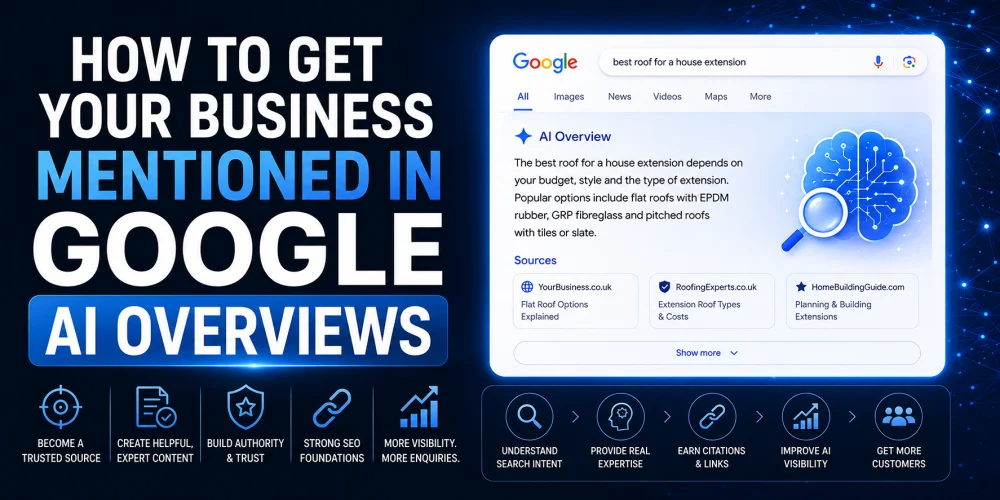
How to Get Your Business in Google AI Overviews

How to Get Your Business Mentioned in Google AI Overviews

How to Get Your Business Mentioned in Google AI Overviews is becoming an important question for businesses that depend on...

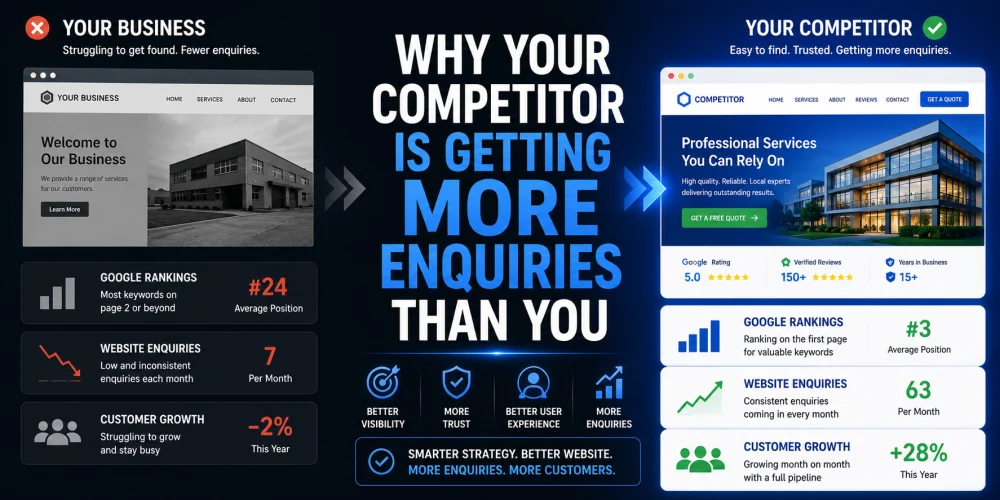
Why Your Competitor Is Getting More Enquiries Than You

Why Your Competitor Is Getting More Enquiries Than You

Have you ever looked at a competitor and wondered why they seem to be winning more work, despite offering similar...

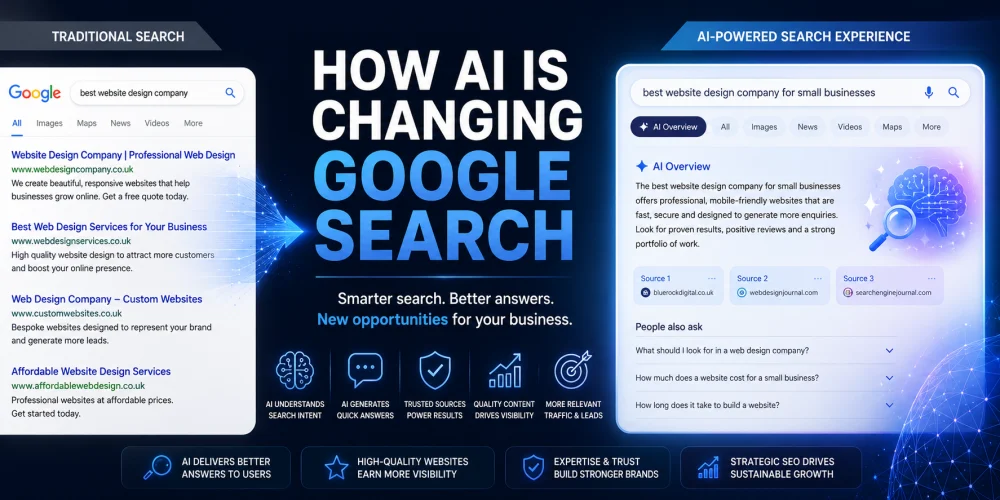
How AI Is Changing Google Search

How AI Is Changing Google Search for Businesses

Search has changed more in the last two years than it did during the previous decade. Artificial intelligence is now...

15 Signs Your Business Website Is Costing You Customers

15 Signs Your Business Website Is Costing You Customers

Your website should be your hardest-working salesperson. It should attract visitors, build trust, answer questions and encourage potential customers to...

How to Appear in AI Search Results in 2026

How to Appear in AI Search Results in 2026

If you want to appear in AI search results, you need to do more than optimise for Google. Platforms like...

Google Maps AI Ask Maps

Google Maps AI Ask Maps: What Businesses Must Know

The launch of Google Maps AI Ask Maps represents one of the most significant changes to local search in years....

What is GEO and Why Does Your Business Need It?

What is GEO and Why Does Your Business Need It?

GEO stands for Generative Engine Optimisation. It is the process of optimising your website and digital presence so that AI...

How to Structure Blog Posts for SEO

How to Structure Blog Posts for SEO: H1s, H2s, H3s, and Search Intent Explained

Structuring a blog post for SEO means organising your content so both readers and search engines can follow it easily....

How to Write SEO Content That Passes Every Yoast Check

How to Write SEO Content That Passes Every Yoast Check

Writing SEO content that passes Yoast checks is about more than ticking green lights. The checks exist to enforce good...

Why Your Pressure Washing Business Isn’t Ranking

Why Your Pressure Washing Business Isn’t Ranking—and How to Fix It

If your pressure washing business is not appearing in local search results, the most likely causes are an incomplete Google...

What Is llms txt A Practical Guide for SEO and AI Search Visibility

What is llms.txt? A Practical Guide for SEO and AI Search Visibility

llms.txt is a proposed standard: a simple text file placed at the root of your website that gives AI systems...

Why Google Reviews Matter and How to Get More of Them

Why Google Reviews Matter and How to Get More of Them

Google reviews directly influence whether potential customers choose your business. They affect your local search rankings, your visibility in Google...