

Is Your Business Visible in AI Search?

Get found in Google AI Overviews, ChatGPT & Gemini

How to migrate a WordPress website to a new host

Ready to grow your business online?

Get a free proposal from our Redditch-based web design and SEO team.

Blue Rock Digital - Digital Marketing Company in Redditch

Smooth Sailing: A Guide to Successful WordPress Website Migration

Migrating a WordPress website to a new host involves transferring the website’s files, databases, and configurations from one server to another. This process can be complicated, but with the right steps, it can be done successfully.

Reasons for Migrating a WordPress Website

There are several reasons why you might need to migrate a WordPress website to a new host. Before starting, always create a full backup: see WordPress’s backup guide. Some common reasons include:

  • Outgrowing the current hosting plan
  • Poor website performance or frequent downtime
  • Need for better customer support or security features
  • Cost savings or access to better features and resources

Preparation for Migration

Before you begin the migration process, there are several steps you should take to prepare.

  • Backup your current website: Make a complete backup of your website, including all files, databases, and configurations. This will ensure that you have a copy of your website in case anything goes wrong during the migration process.
  • Choose a new host: Research and choose a new hosting provider that offers the features, resources, and support you need for your website.
  • Create a new hosting account: Once you’ve chosen a new host, sign up for an account and set up the necessary configurations, such as email accounts, databases, and FTP access.
  • Install WordPress on the new host: Install the latest version of WordPress on the new host. This will ensure that the migration process goes smoothly.

Steps for Migrating a WordPress Website

Once you’ve completed the preparation steps, you can begin the migration process. The following steps outline the process:

  • Export the WordPress database: Use a plugin or tool like phpMyAdmin to export your WordPress database.
  • Transfer files: Transfer all of your website’s files to the new host using FTP or a file manager tool.
  • Import the WordPress database: Import the exported database to the new host using a tool like phpMyAdmin.
  • Update the WordPress configuration file: Update the WordPress configuration file on the new host to reflect the new database information.
  • Update the domain name servers: Update the domain name servers to point to the new host. This may take up to 24-48 hours to propagate.
  • Test the website: Test the website on the new host to ensure that everything is working correctly.

Final Steps

After you’ve completed the migration process, there are a few final steps to take to ensure that your website is running smoothly:

  • Monitor the website: Monitor the website for any errors or issues that may arise.
  • Update plugins and themes: Update any plugins and themes that may have compatibility issues with the new host.
  • Update any hardcoded URLs: Update any hardcoded URLs in the database or code that may have been changed during the migration process.

Conclusion

Migrating a WordPress website to a new host can be a complicated process, but with the right preparation and steps, it can be done successfully. By taking the time to properly backup your website, choose a new host, and follow the migration steps, you can ensure that your website continues to run smoothly and provide a great experience for your visitors.

Our web design services include hosting migrations handled professionally so there’s no disruption to your site. For guidance on transferring hosting providers generally, read our guide on how to transfer your website to a new web hosting provider, and for protecting your data during the move see our guide on how to backup and restore a WordPress website.


Written by: Sean O'Donoghue
Author picture

Sean O'Donoghue is the founder of Blue Rock Digital, a web design, SEO, and GEO agency based in Redditch, Worcestershire. With over 17 years of experience helping UK businesses grow online, Sean works directly with every client on web design, search engine optimisation, and AI search visibility. He is the first point of contact for every new client and remains closely involved throughout every project.

Ready to grow your business online?

Get a free proposal from our Redditch-based web design and SEO team.

Recent Posts

How to Get Your Business in Google AI Overviews

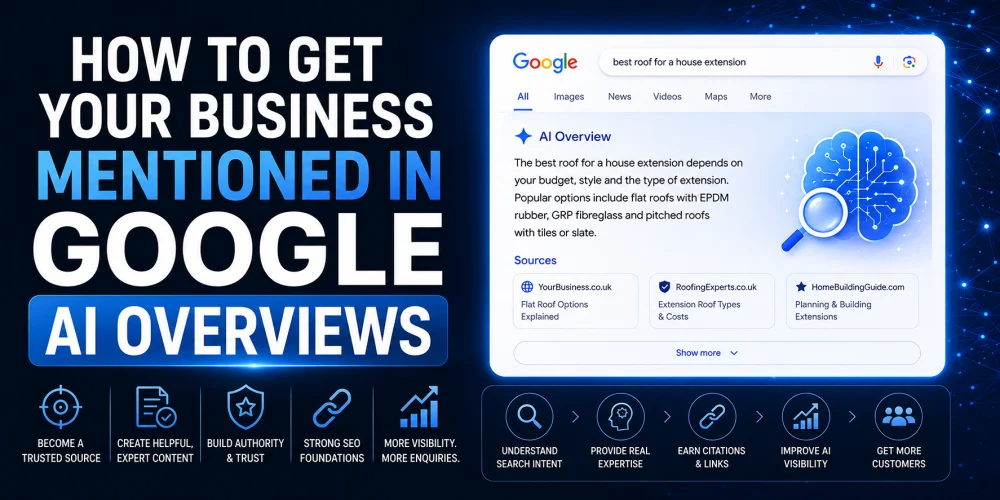
How to Get Your Business Mentioned in Google AI Overviews

How to Get Your Business Mentioned in Google AI Overviews is becoming an important question for businesses that depend on...

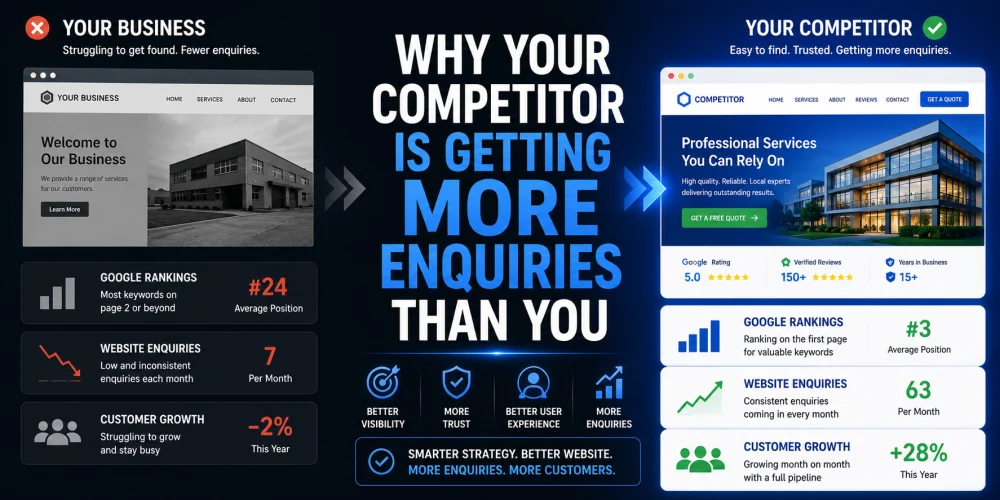
Why Your Competitor Is Getting More Enquiries Than You

Why Your Competitor Is Getting More Enquiries Than You

Have you ever looked at a competitor and wondered why they seem to be winning more work, despite offering similar...

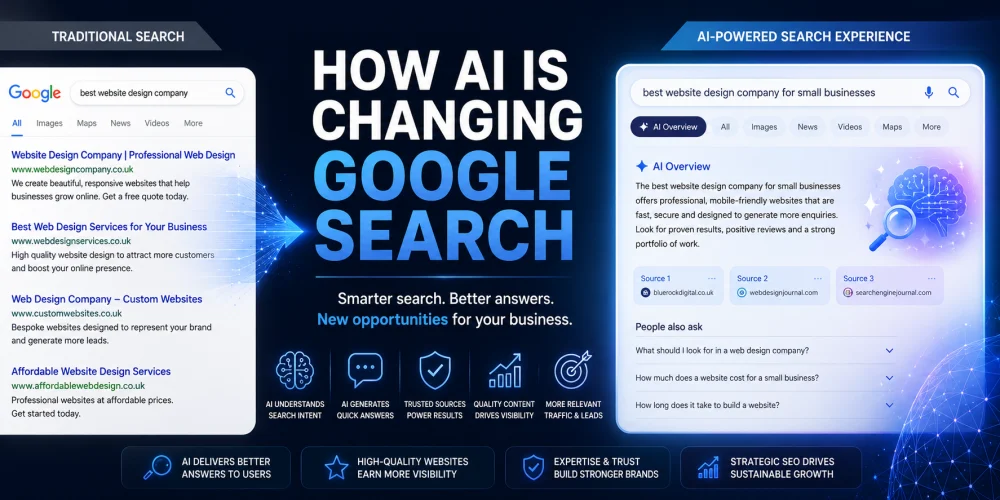
How AI Is Changing Google Search

How AI Is Changing Google Search for Businesses

Search has changed more in the last two years than it did during the previous decade. Artificial intelligence is now...

15 Signs Your Business Website Is Costing You Customers

15 Signs Your Business Website Is Costing You Customers

Your website should be your hardest-working salesperson. It should attract visitors, build trust, answer questions and encourage potential customers to...

How to Appear in AI Search Results in 2026

How to Appear in AI Search Results in 2026

If you want to appear in AI search results, you need to do more than optimise for Google. Platforms like...

Google Maps AI Ask Maps

Google Maps AI Ask Maps: What Businesses Must Know

The launch of Google Maps AI Ask Maps represents one of the most significant changes to local search in years....

What is GEO and Why Does Your Business Need It?

What is GEO and Why Does Your Business Need It?

GEO stands for Generative Engine Optimisation. It is the process of optimising your website and digital presence so that AI...

How to Structure Blog Posts for SEO

How to Structure Blog Posts for SEO: H1s, H2s, H3s, and Search Intent Explained

Structuring a blog post for SEO means organising your content so both readers and search engines can follow it easily....

How to Write SEO Content That Passes Every Yoast Check

How to Write SEO Content That Passes Every Yoast Check

Writing SEO content that passes Yoast checks is about more than ticking green lights. The checks exist to enforce good...

Why Your Pressure Washing Business Isn’t Ranking

Why Your Pressure Washing Business Isn’t Ranking—and How to Fix It

If your pressure washing business is not appearing in local search results, the most likely causes are an incomplete Google...

What Is llms txt A Practical Guide for SEO and AI Search Visibility

What is llms.txt? A Practical Guide for SEO and AI Search Visibility

llms.txt is a proposed standard: a simple text file placed at the root of your website that gives AI systems...

Why Google Reviews Matter and How to Get More of Them

Why Google Reviews Matter and How to Get More of Them

Google reviews directly influence whether potential customers choose your business. They affect your local search rankings, your visibility in Google...