

Is Your Business Visible in AI Search?

Get found in Google AI Overviews, ChatGPT & Gemini

How do I troubleshoot common WordPress errors?

Ready to grow your business online?

Get a free proposal from our Redditch-based web design and SEO team.

Blue Rock Digital - Digital Marketing Company in Redditch

WordPress errors are common and most can be fixed quickly once you know where to look. The most frequent issues are caused by plugin conflicts, failed updates, incorrect file permissions, or memory limit errors.

This guide covers how to troubleshoot and fix the most common WordPress errors. Enabling WordPress debug mode is the best first step for diagnosing most issues.

Fixing Common WordPress Errors: A Guide to Troubleshooting Your Website

WordPress is a popular platform for creating websites, but it’s not immune to errors and problems. Fortunately, there are several steps you can take to troubleshoot common WordPress errors and get your website up and running smoothly.

Understanding Error Messages

  1. Identifying the error message: The first step in troubleshooting WordPress errors is identifying the error message.
  2. Research the error message: Searching the error message online can often provide valuable information and solutions to the problem.

Checking for Updates

  1. Check for WordPress updates: Outdated software is often the cause of errors, so make sure that you have the latest version of WordPress installed.
  2. Check for plugin updates: check for updates to your plugins to see if a newer version might fix the problem.

Deactivating Plugins

  1. Deactivate plugins: If you’re encountering an error after installing a new plugin, try deactivating it to see if it’s causing the problem.
  2. Check for plugin conflicts: Sometimes, two or more plugins can conflict with each other and cause problems, so deactivating plugins can help you identify if a plugin conflict is the cause of the error.

Clearing Your Cache

  1. Clear your cache: Clearing your cache can often resolve problems with your website, such as a slow website or missing images.
  2. Use a plugin to clear cache: Use a cache plugin, such as WP Super Cache or W3 Total Cache, to clear your cache.

Contacting Your Web Host

  1. Contact your web host: If you’re encountering a problem that you can’t resolve on your own, contact your web host for assistance.
  2. Provide details: Provide as much detail as possible about the problem, including the error message and steps you’ve taken to troubleshoot the problem.

Conclusion

Troubleshooting common WordPress errors is often a matter of identifying the problem and taking the appropriate steps to fix it. By understanding error messages, checking for updates, deactivating plugins, clearing your cache, and contacting your web host, you can resolve most WordPress errors and get your website up and running smoothly.

Our website maintenance service means you rarely encounter these errors in the first place — and when you do, we handle them for you. For proactive upkeep that prevents most issues, read our WordPress maintenance guide for beginners, and for plugin-related errors see our guide on how to install and use WordPress plugins. To reduce the risk of issues in the first place, read our guides on securing your WordPress website and backing up and restoring WordPress.


Written by: Sean O'Donoghue
Author picture

Sean O'Donoghue is the founder of Blue Rock Digital, a web design, SEO, and GEO agency based in Redditch, Worcestershire. With over 17 years of experience helping UK businesses grow online, Sean works directly with every client on web design, search engine optimisation, and AI search visibility. He is the first point of contact for every new client and remains closely involved throughout every project.

Ready to grow your business online?

Get a free proposal from our Redditch-based web design and SEO team.

Recent Posts

How to Get Your Business in Google AI Overviews

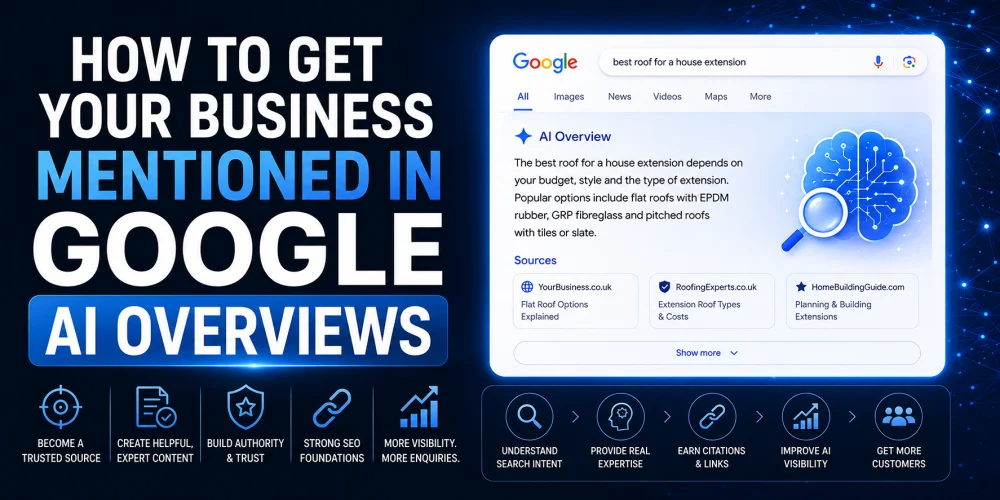
How to Get Your Business Mentioned in Google AI Overviews

How to Get Your Business Mentioned in Google AI Overviews is becoming an important question for businesses that depend on...

Why Your Competitor Is Getting More Enquiries Than You

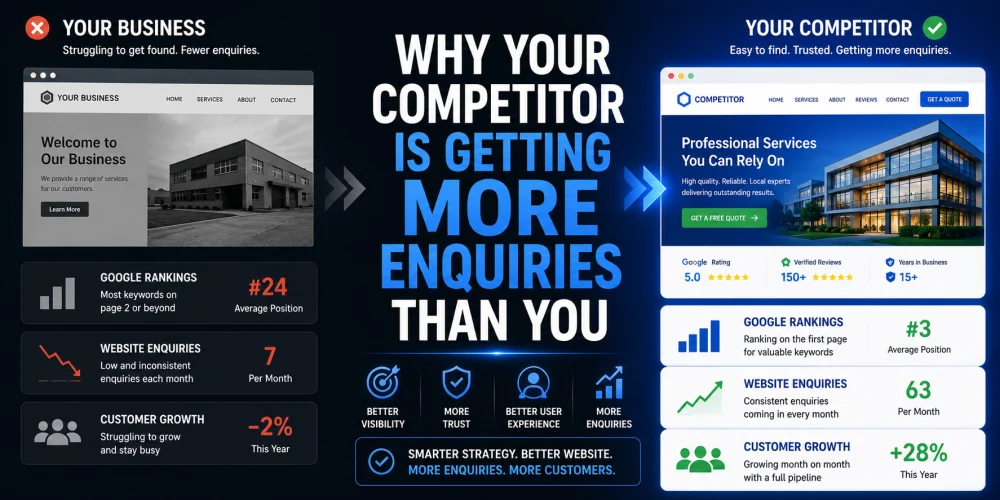
Why Your Competitor Is Getting More Enquiries Than You

Have you ever looked at a competitor and wondered why they seem to be winning more work, despite offering similar...

How AI Is Changing Google Search

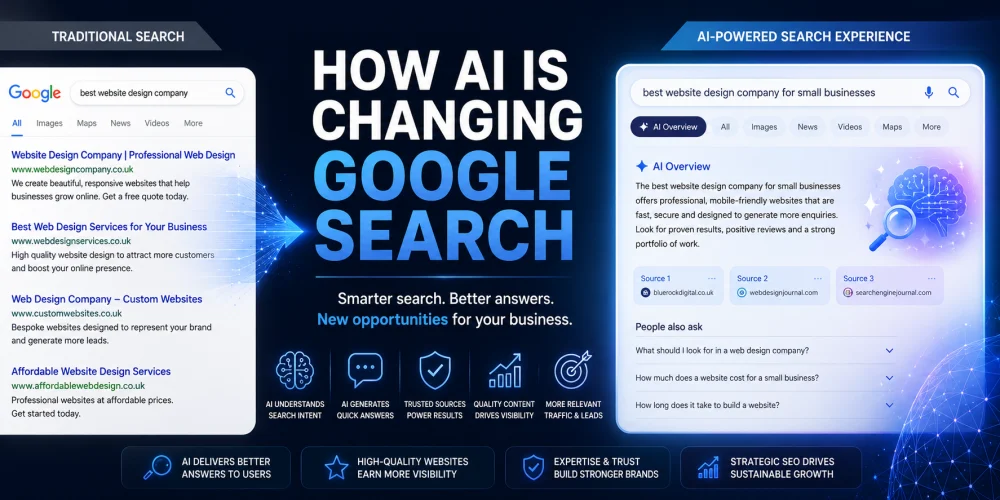
How AI Is Changing Google Search for Businesses

Search has changed more in the last two years than it did during the previous decade. Artificial intelligence is now...

15 Signs Your Business Website Is Costing You Customers

15 Signs Your Business Website Is Costing You Customers

Your website should be your hardest-working salesperson. It should attract visitors, build trust, answer questions and encourage potential customers to...

How to Appear in AI Search Results in 2026

How to Appear in AI Search Results in 2026

If you want to appear in AI search results, you need to do more than optimise for Google. Platforms like...

Google Maps AI Ask Maps

Google Maps AI Ask Maps: What Businesses Must Know

The launch of Google Maps AI Ask Maps represents one of the most significant changes to local search in years....

What is GEO and Why Does Your Business Need It?

What is GEO and Why Does Your Business Need It?

GEO stands for Generative Engine Optimisation. It is the process of optimising your website and digital presence so that AI...

How to Structure Blog Posts for SEO

How to Structure Blog Posts for SEO: H1s, H2s, H3s, and Search Intent Explained

Structuring a blog post for SEO means organising your content so both readers and search engines can follow it easily....

How to Write SEO Content That Passes Every Yoast Check

How to Write SEO Content That Passes Every Yoast Check

Writing SEO content that passes Yoast checks is about more than ticking green lights. The checks exist to enforce good...

Why Your Pressure Washing Business Isn’t Ranking

Why Your Pressure Washing Business Isn’t Ranking—and How to Fix It

If your pressure washing business is not appearing in local search results, the most likely causes are an incomplete Google...

What Is llms txt A Practical Guide for SEO and AI Search Visibility

What is llms.txt? A Practical Guide for SEO and AI Search Visibility

llms.txt is a proposed standard: a simple text file placed at the root of your website that gives AI systems...

Why Google Reviews Matter and How to Get More of Them

Why Google Reviews Matter and How to Get More of Them

Google reviews directly influence whether potential customers choose your business. They affect your local search rankings, your visibility in Google...