Google reviews matter because they help decide whether you appear in local search and on Google Maps, and whether people who find you choose you. Google says the number of reviews and positive ratings can help your local ranking. The way to get more is simple: ask every customer, make leaving a review take seconds with Google’s own link or QR code, and never offer anything in return.
This guide explains why reviews matter for a UK small business in late 2026, how to collect more of them within Google’s rules and UK law, and how to handle the awkward ones. You manage and reply to reviews in your Google Business Profile.
Why Google reviews matter
They affect your local rankings
Google ranks local results on relevance, distance and prominence. Its Business Profile help pages say prominence is partly based on how many reviews you have, and that more reviews and positive ratings can help your local ranking. Reviews work alongside consistent business citations across trusted UK directories and a complete, verified profile. For the full set of tactics, see our guide to improving your Google Maps SEO.
They build trust before anyone contacts you
Your star rating and review count appear next to your name in local results and on Maps, so they are often the first thing a potential customer sees. Recent, detailed reviews from real people tell them you are active, reliable and good at what you do. Google itself notes that a mix of positive and negative feedback often feels more trustworthy than a wall of perfect scores.
They turn searches into enquiries
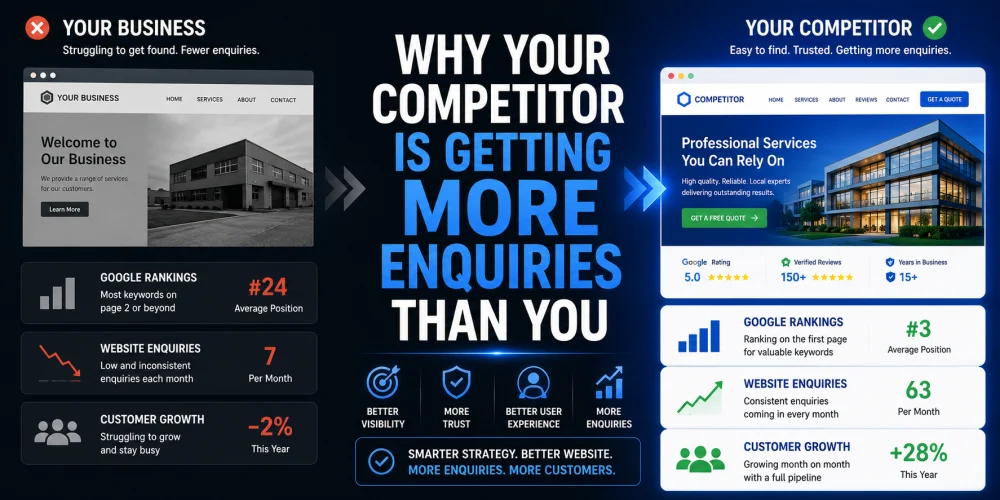
When two businesses look similar, the one with more recent, better reviews usually gets the call. If a competitor with a similar service is winning work you think should be yours, reviews are one of the first things to compare. We cover this in more detail in our article on why your competitor might be getting more enquiries than you.
They feed AI answers too
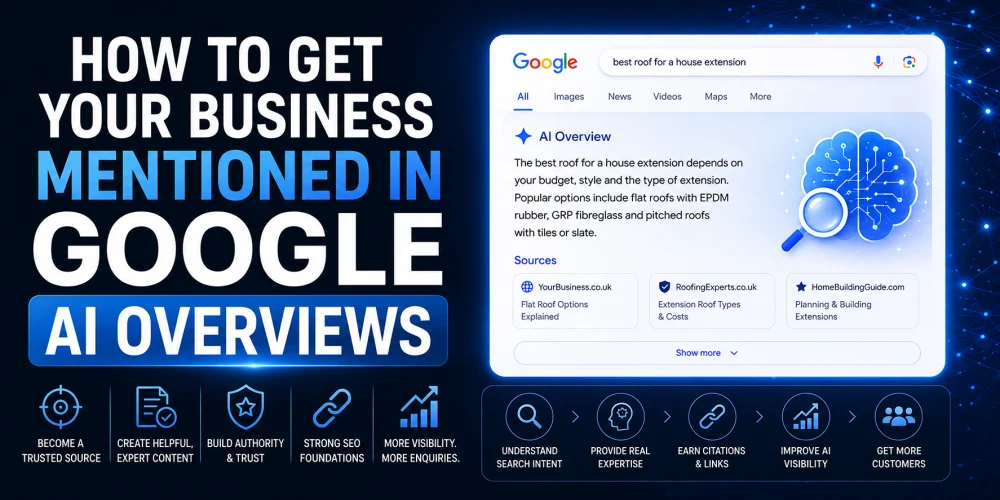
Google’s AI features, including AI Overviews and the Gemini-powered “Ask” option on Maps profiles, draw on your profile information and reviews when answering questions about your business. Reviews that mention specific services and places give those systems more accurate material to work with.
They tell you what to improve
Positive reviews show you what customers value. Critical ones often point to fixable problems, such as slow replies to enquiries or unclear pricing, that you might not otherwise hear about.
The rules you must follow
Getting reviews the wrong way can lead to reviews being removed, sanctions on your Business Profile and, in the UK, legal action. Here is what applies in November 2026.
Google’s policies
- No incentives. Offering discounts, free products, prize draws or payment in exchange for reviews is prohibited and treated as fake engagement. This includes paying someone to change or remove a review.
- No review gating. You can’t selectively ask only happy customers for reviews, or discourage negative ones.
- No pressure. Don’t require or pressure customers to leave a review while they are on your premises, and don’t give staff review quotas or tell customers what to write.
- Genuine experiences only. Reviews must come from real customers. Reviews from staff, friends posting on your behalf or bought reviews break the rules.
Under commitments Google gave the CMA in January 2025, UK businesses caught inflating their star rating with fake reviews can have a warning shown on their profile and lose the ability to receive new reviews. Repeat offenders can have all their reviews removed for six months or more.
UK law
Since 6 April 2025, the Digital Markets, Competition and Consumers Act 2024 has banned fake reviews and reviews that hide the fact they were incentivised, including commissioning anyone else to write them. The Competition and Markets Authority (CMA) published guidance for businesses in April 2025 and can now fine businesses directly for breaches. If you show reviews on your own website, the CMA’s guidance also warns against suppressing genuine negative reviews or cherry-picking only the positive ones.
UK law allows incentivised reviews if they are clearly disclosed, but Google doesn’t, so for your Google profile the answer is simple: no incentives at all.
How to get more Google reviews
Ask every customer
Most happy customers never think to leave a review unless asked. Ask in person when a job is finished or an order is collected, and follow up in writing. Something like “If you have a minute, a Google review really helps other people find us” is enough. Ask every customer, not just the ones you think will be positive.
Use Google’s review link and QR code
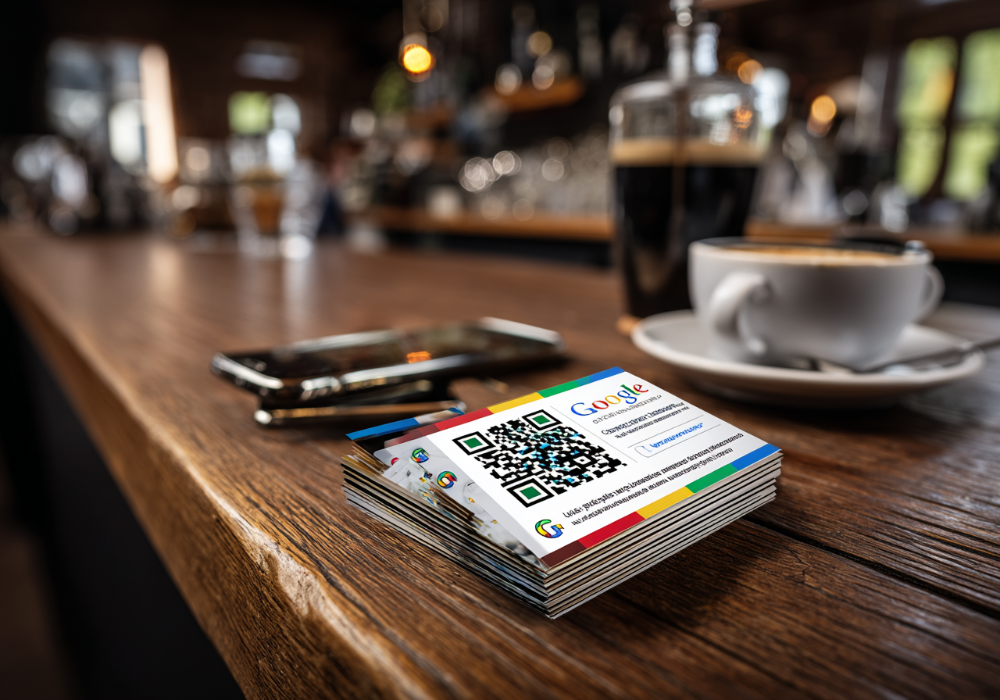
In your Business Profile, open your reviews and choose “Get more reviews”. Google gives you a short link you can copy and share, and on a computer browser you can also download a QR code. The link takes customers straight to the review form, which removes most of the friction. Customers need to be signed in to a Google account, but it doesn’t have to be a Gmail address.
Put the link where customers already are
- Your job completion or thank-you email
- Invoices and receipts
- A text message sent shortly after the job
- Business cards, leave-behind cards or a sign at your counter (the QR code works well here)
- The end of a chat or WhatsApp conversation once the work is done
Time it well
Ask when the customer is most pleased: straight after a tidy job, a smooth delivery or a problem solved. If they don’t respond, one friendly reminder a few days later is reasonable. More than that starts to feel like pressure.
Build it into your routine
Reviews come in steadily when asking is part of your process rather than something you remember occasionally. Add the link to your email templates and invoice footer, and make sure everyone who deals with customers knows how and when to ask politely.
How to respond to reviews
Google recommends replying to reviews and lists it as one of its tips for local ranking. Its guidance for replies is practical:
- Keep it short and personal. Mention something specific from the review.
- You don’t need to publicly thank every single reviewer. Reply when you have something useful to add.
- Don’t use replies to sell. The reviewer is already a customer.
- Reply in good time, and sign off with your name or initials.
Negative reviews
Stay calm and professional. Thank the customer for the feedback, apologise where it’s warranted, explain what you can and can’t do, and offer to continue the conversation by phone or email. Never share their personal details or argue in public. Future customers read your reply as much as the review, and a fair, helpful response often reassures them more than another five-star rating.
Fake or abusive reviews
Only reviews that break Google’s policies can be removed, so a fair but negative review will stay. If a review is spam, offensive, off-topic or clearly not from a real customer, report it from your Business Profile or through Google’s Reviews Management Tool. The tool shows the status of each report, and if Google finds no violation you can submit one appeal.
Turning reviews into a long-term asset
A burst of reviews followed by silence looks less convincing than a steady flow. Aim for a few new reviews every month, reply to them, and share the best ones (with permission) on your website and social media. Over time, this builds the kind of reputation that keeps enquiries coming.
Our SEO services include local search strategies to help you build the kind of online reputation that drives consistent enquiries. If your profile isn’t appearing at all, start with our guide to why your business isn’t showing up on Google Maps.
Google reviews FAQs
Can I offer a discount for a Google review?
No. Google prohibits offering discounts, free goods or any other incentive in exchange for reviews, and treats incentivised reviews as fake engagement. Those reviews can be removed, and UK businesses caught using fake reviews can face warnings on their profile.
Can I delete a bad Google review?
You can’t delete reviews yourself. You can report a review that breaks Google’s policies, such as spam, offensive content or a review from someone who was never a customer. Genuine negative reviews stay, so reply to them professionally.
How do I get a link for customers to leave a Google review?
In your Business Profile, open your reviews and choose “Get more reviews”. Copy the link to share by email or text, or download the QR code from a computer browser for printed materials.
Is it legal to buy reviews in the UK?
No. Since 6 April 2025, the Digital Markets, Competition and Consumers Act 2024 has banned fake reviews and concealed incentivised reviews, including commissioning someone else to write them.