

Your WordPress theme controls the visual design and layout of your website. Choosing the right one affects how your site looks, how fast it loads, and how easy it is to customise. With thousands of themes available, it pays to know what to look for.
This guide covers how to choose the right WordPress theme for your website. You can browse thousands of free themes at wordpress.org/themes.
Selecting the Perfect WordPress Theme for Your Online Presence
How do I choose the right WordPress theme for my website? Empower yourself by choosing the right WordPress theme, a crucial step in establishing a website that meets your aesthetic, functional, and usability standards. With thousands of themes available, the decision can be overwhelming. This guide will walk you through the considerations and steps to select a theme that aligns with your site’s objectives and enhances your web presence, giving you the confidence to make the right choice.
Understanding the Importance of a Suitable WordPress Theme
A WordPress theme, often called a template or skin, is more than just a visual design for your site. It provides a graphical interface and controls much of the user interaction. A suitable theme ensures your website is attractive, user-friendly, and functional, reflecting your brand’s personality and catering to your target audience’s expectations.
Step 1: Define Your Website’s Purpose and Needs
Before browsing theme options, clearly define the purpose of your website. Whether for e-commerce, blogging, a business portfolio, or an informational site, your website’s purpose will significantly influence your theme choice. To support this purpose, list your needed features, such as contact forms, shop facilities, or image galleries.
Step 2: Consider Layout and Usability
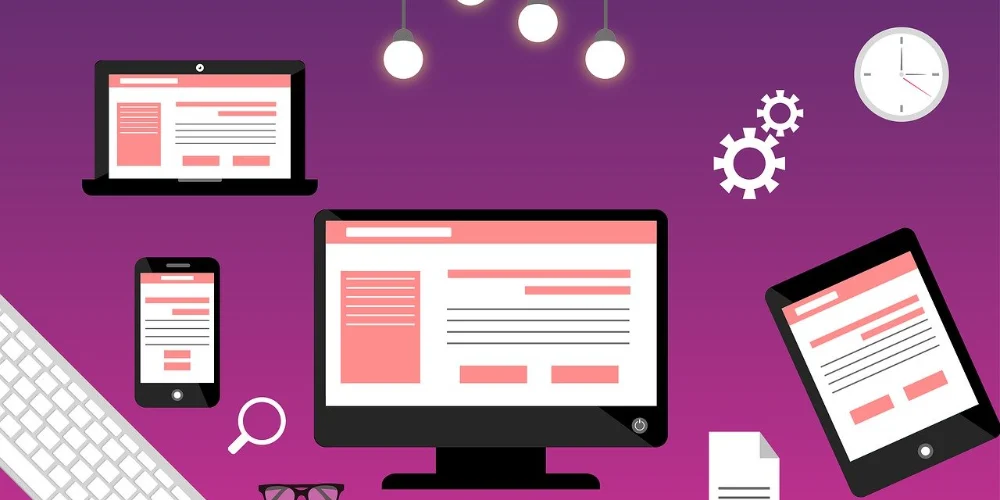
Think about the layout that best suits your needs. Do you prefer a grid layout with single or multiple columns? The design should enhance the user experience, not hinder it. Ensure the theme layout aligns with the user interaction expected on your site. User-friendly interfaces, straightforward navigation, and responsive design are non-negotiable features that ensure your site is accessible on all devices.
Step 3: Evaluate Aesthetic Elements
The visual design of your theme, or the WP visuals, should resonate with your brand’s identity. Colour schemes, typography, and design elements like buttons and icons should complement your brand and content. Remember, the theme’s aesthetic should attract and retain your target audience while promoting user engagement.
Step 4: Search for Quality and Credibility
Source themes from reputable providers. Whether browsing the WordPress Theme Directory or considering a premium theme from third-party developers, always check user reviews and ratings. High-quality themes should offer regular updates and reliable support from their creators, ensuring your theme stays compatible with the latest WordPress version.
Step 5: Check for Plugin Compatibility
Ensure the theme supports all necessary WordPress plugins that you plan to use. Plugins enhance your site’s functionality, from SEO practices to security enhancements. A good theme should be compatible with major plugins without conflicts.
Step 6: Test the Theme Before Finalising
Most theme sellers provide a demo or a trial version. Testing the theme allows you to experience the interface and check the ease of customisation. Explore how easy it is to modify fonts, colours, and layouts without coding skills. Additionally, ensure the theme is fast and responsive across all devices and browsers.
Aesthetic Preference and Functional Necessity
Choosing the right WordPress theme balances aesthetic preference and functional necessity. It requires a thoughtful approach that considers your site’s and visitors’ specific needs. Following these steps, you can select a WordPress theme that looks great and performs well, providing a solid foundation for your website’s success.
Our website maintenance service keeps your theme, plugins, and core files updated and compatible. For an introduction to WordPress itself, read our guide on what WordPress is and how it works, and for the next step after choosing a theme see our guide on how to customise your WordPress website. If you are just getting started, our guide on how to create a website using WordPress walks you through the full process.