


Is Your Business Visible in AI Search?

Get found in Google AI Overviews, ChatGPT & Gemini

How do I backup my website with my web hosting provider?

Ready to grow your business online?

Get a free proposal from our Redditch-based web design and SEO team.

Blue Rock Digital - Digital Marketing Company in Redditch

Backing up your website with your hosting provider means keeping regular copies of your files and database so you can restore your site quickly if something goes wrong. Most good hosting providers offer automated backups, but relying on them alone is not enough.

This guide covers how to back up your website using your hosting provider’s tools and additional methods.

Introduction to Website Backups

Backing up your website is a crucial step in protecting your data and ensuring that you can quickly restore it in the event of a problem, such as a server crash or hacking attack. Regular backups also allow you to revert to an earlier version of your website if needed. With a backup, you won’t have to start from scratch if something goes wrong.

Choose a Reliable Web Hosting Provider

The first step in backing up your website is to choose a reliable web hosting provider. A good web hosting provider should offer daily or weekly backups as part of their services, so you don’t have to worry about creating backups manually. Some of the most popular web hosting providers, such as Bluehost, HostGator, and SiteGround, offer automatic backup services.

Use an Automated Backup Service

An automated backup service provided by your web hosting provider is an easy and convenient way to ensure that your website is backed up regularly. With this service, you can set up a schedule for backups to occur, and your website will be backed up automatically. This eliminates the need for manual backups, and you can rest assured that your data is safe.

Store Backups Off-Site

Storing backups off-site is important in case of a disaster, such as a fire or flood, that affects both your website and your backup storage location. Your web hosting provider may offer off-site storage as part of their backup services, or you can store backups on an external hard drive or cloud storage service.

Test Your Backups

It is essential to test your backups regularly to ensure that they are working correctly. WordPress provides a database backup guide covering manual backup methods. It is essential to test your backups regularly to ensure that they are working correctly and that you can restore your website in the event of a problem. Test your backups by restoring your website to a test environment, such as a local computer, to ensure that the data is complete and intact.

Store Multiple Copies of Your Backups

Storing multiple copies of your backups in different locations is important in case one of your backup copies becomes corrupted or lost. Having multiple backups also provides peace of mind and reduces the risk of data loss.

Conclusion

Backing up your website is an important step in protecting your data and ensuring that you can restore it quickly in the event of a problem. By choosing a reliable web hosting provider, using an automated backup service, storing backups off-site, testing your backups, and storing multiple copies of your backups, you can ensure that your website is protected and that you can quickly restore it if needed.

Our website maintenance service includes regular backups as standard so your data is always protected. For a WordPress-specific backup and restore walkthrough, read our guide on how to backup and restore a WordPress website, and for broader security measures see our guide on how to secure your website with your hosting provider. If you are moving to a new host, our guide on how to migrate a WordPress website covers the full process.


Written by: Sean O'Donoghue
Author picture

Sean O'Donoghue is the founder of Blue Rock Digital, a web design, SEO, and GEO agency based in Redditch, Worcestershire. With over 17 years of experience helping UK businesses grow online, Sean works directly with every client on web design, search engine optimisation, and AI search visibility. He is the first point of contact for every new client and remains closely involved throughout every project.

Ready to grow your business online?

Get a free proposal from our Redditch-based web design and SEO team.

Recent Posts

How to Get Your Business in Google AI Overviews

How to Get Your Business Mentioned in Google AI Overviews

How to Get Your Business Mentioned in Google AI Overviews is becoming an important question for businesses that depend on...

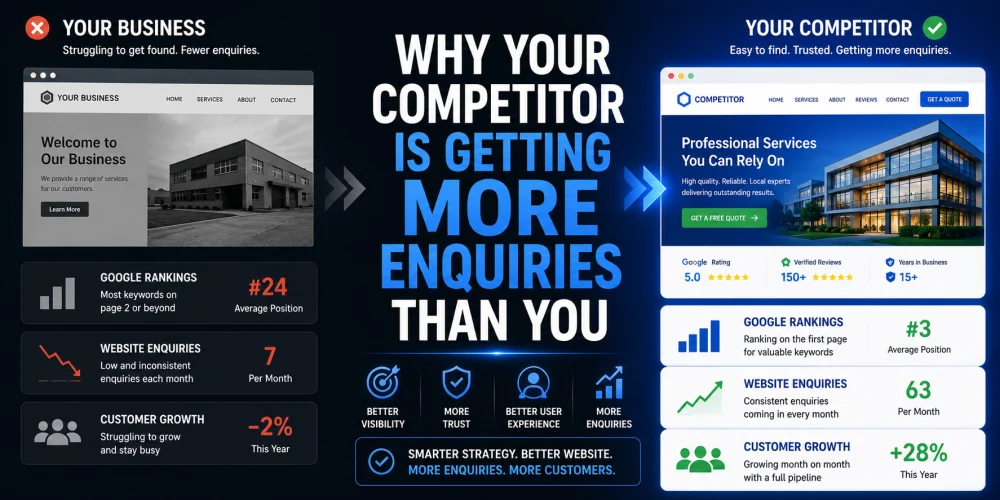
Why Your Competitor Is Getting More Enquiries Than You

Why Your Competitor Is Getting More Enquiries Than You

Have you ever looked at a competitor and wondered why they seem to be winning more work, despite offering similar...

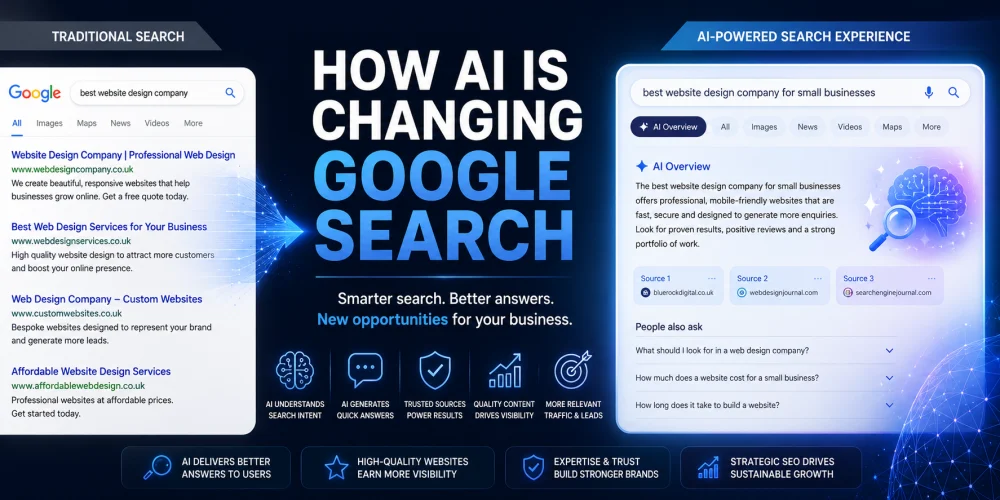
How AI Is Changing Google Search

How AI Is Changing Google Search for Businesses

Search has changed more in the last two years than it did during the previous decade. Artificial intelligence is now...

15 Signs Your Business Website Is Costing You Customers

15 Signs Your Business Website Is Costing You Customers

Your website should be your hardest-working salesperson. It should attract visitors, build trust, answer questions and encourage potential customers to...

How to Appear in AI Search Results in 2026

How to Appear in AI Search Results in 2026

If you want to appear in AI search results, you need to do more than optimise for Google. Platforms like...

Google Maps AI Ask Maps

Google Maps AI Ask Maps: What Businesses Must Know

The launch of Google Maps AI Ask Maps represents one of the most significant changes to local search in years....

What is GEO and Why Does Your Business Need It?

What is GEO and Why Does Your Business Need It?

GEO stands for Generative Engine Optimisation. It is the process of optimising your website and digital presence so that AI...

How to Structure Blog Posts for SEO

How to Structure Blog Posts for SEO: H1s, H2s, H3s, and Search Intent Explained

Structuring a blog post for SEO means organising your content so both readers and search engines can follow it easily....

How to Write SEO Content That Passes Every Yoast Check

How to Write SEO Content That Passes Every Yoast Check

Writing SEO content that passes Yoast checks is about more than ticking green lights. The checks exist to enforce good...

Why Your Pressure Washing Business Isn’t Ranking

Why Your Pressure Washing Business Isn’t Ranking—and How to Fix It

If your pressure washing business is not appearing in local search results, the most likely causes are an incomplete Google...

What Is llms txt A Practical Guide for SEO and AI Search Visibility

What is llms.txt? A Practical Guide for SEO and AI Search Visibility

llms.txt is a proposed standard: a simple text file placed at the root of your website that gives AI systems...

Why Google Reviews Matter and How to Get More of Them

Why Google Reviews Matter and How to Get More of Them

Google reviews directly influence whether potential customers choose your business. They affect your local search rankings, your visibility in Google...